Mobile App Development
How to build mobile apps with React Native
9 min read
9 min read
Well, it is a fact that nothing is better than building applications with the help of JavaScript. But JavaScript is only used to build web applications. So if you building native mobile applications for platforms like Android and iOS then you have to use React Native. If you are wondering how to create mobile app using React JS then let me tell you that many developers prefer to use React JS.
You will see that many people have the same question of how to create a mobile app using React JS and if you have the same then let me tell you the reason why people are using ReactJs. People are choosing it because many famous apps like BBC, PayPal, Indeed, etc. were developed with the help of ReactJs.

You may wonder how to go through the procedure of mobile app development using React Native. If you are having the same question then let me tell you that developers can easily go through the mobile app development using React Native. React Native can be described as the SDK (Software Development Kit) that is used to make an app with React Native.
React Native will help to build native mobile applications with the help of JavaScript. Many developers prefer to do app development using React Native and it is an open-source mobile application framework to develop mobile applications. The developers prefer to make an app with React Native. The developers can build cross-platform mobile apps and that’s why they do the process of app development using React Native.
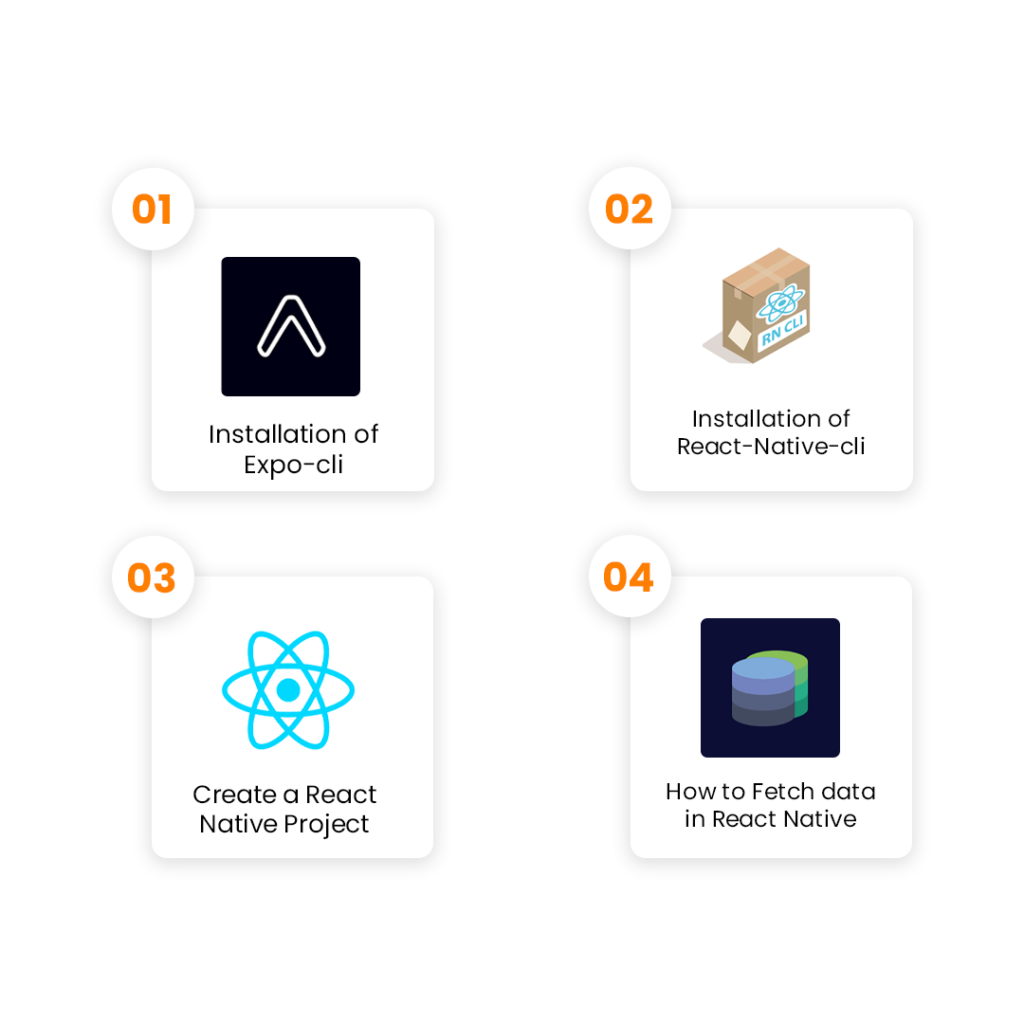
If you are wondering how to make a mobile app using React Native then here you will find ways to create native applications for Android and iOS with the help of React Native. You may find it exciting to build mobile applications using React Native yet it is confusing because many developers don’t know how to use it efficiently to create mobile applications. Here you will find all steps to build mobile applications using React Native.

• Expo-CLI is a command-line utility that allows the developers to use various Expo tools. You can use Expo-CLI or Expo tools to create a new project, develop it, and test the mobile application.
• Then the developers can easily build it and publish the application on the App Store and Google Play Store. Firstly, you have to install Expo-CLI using the command-line interface.
• It will download and install the React Native boilerplate for the developers and it includes the API of Expo. Expo-CLI will provide you many with options and the developers can easily run and test the application on a mobile device without any worry of configuration.
• People can explore different mobile applications that are built with React Native on the browser with the help of a web interface that is known as Appetize.
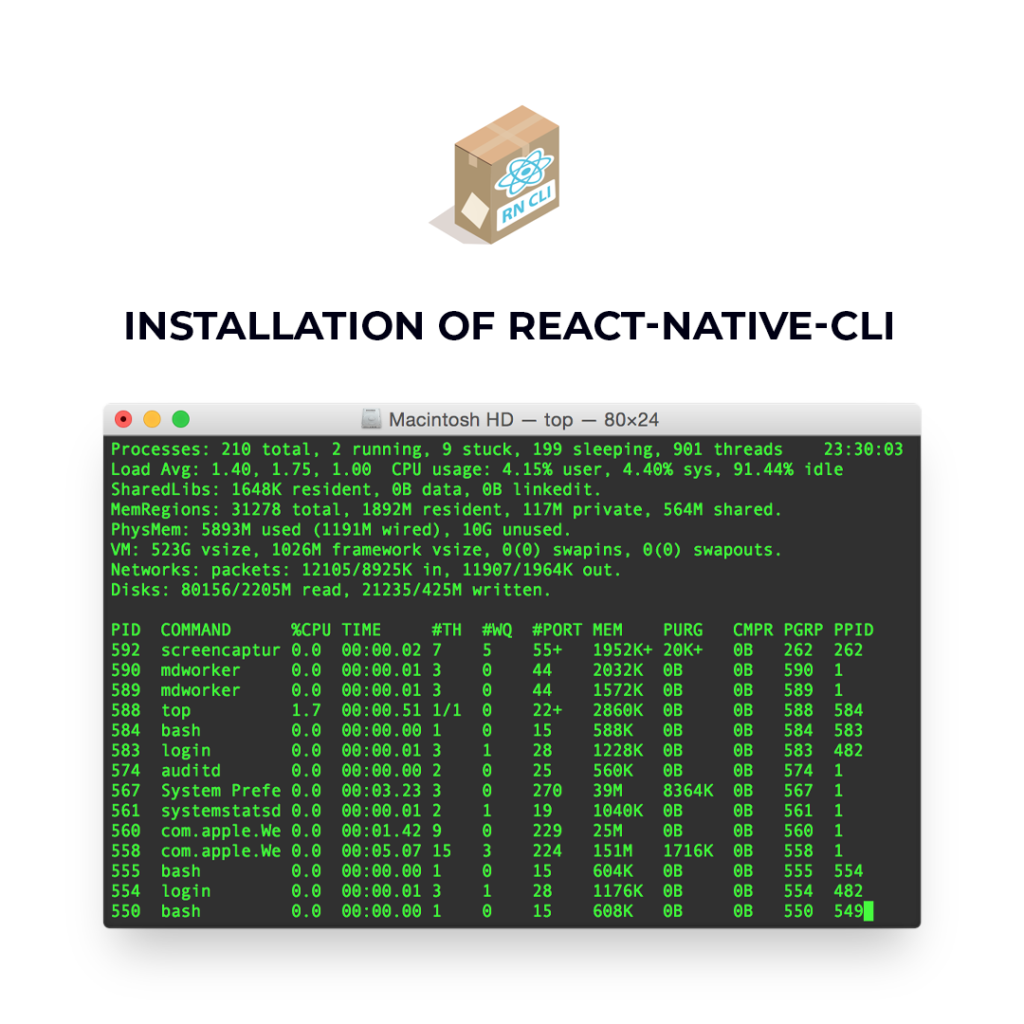
• Let me tell you that React-Native-CLI works the same as Expo-CLI. But React-Native-CLI will follow a different approach and provide various advantages.
• The various applications that are installed with React-Native-CLI will provide an option and ability to create plus customize your native module in the application.
• You will see that the developers don’t need to eject the application to make native modules. Developing React Native Applications on various platforms is a different process that developers have to follow.
• If you want to build the application for Android then the developers have to use Android SDK and if the developers want to build an application for iOS then they don’t need any SDK but they have to use Xcode emulators.
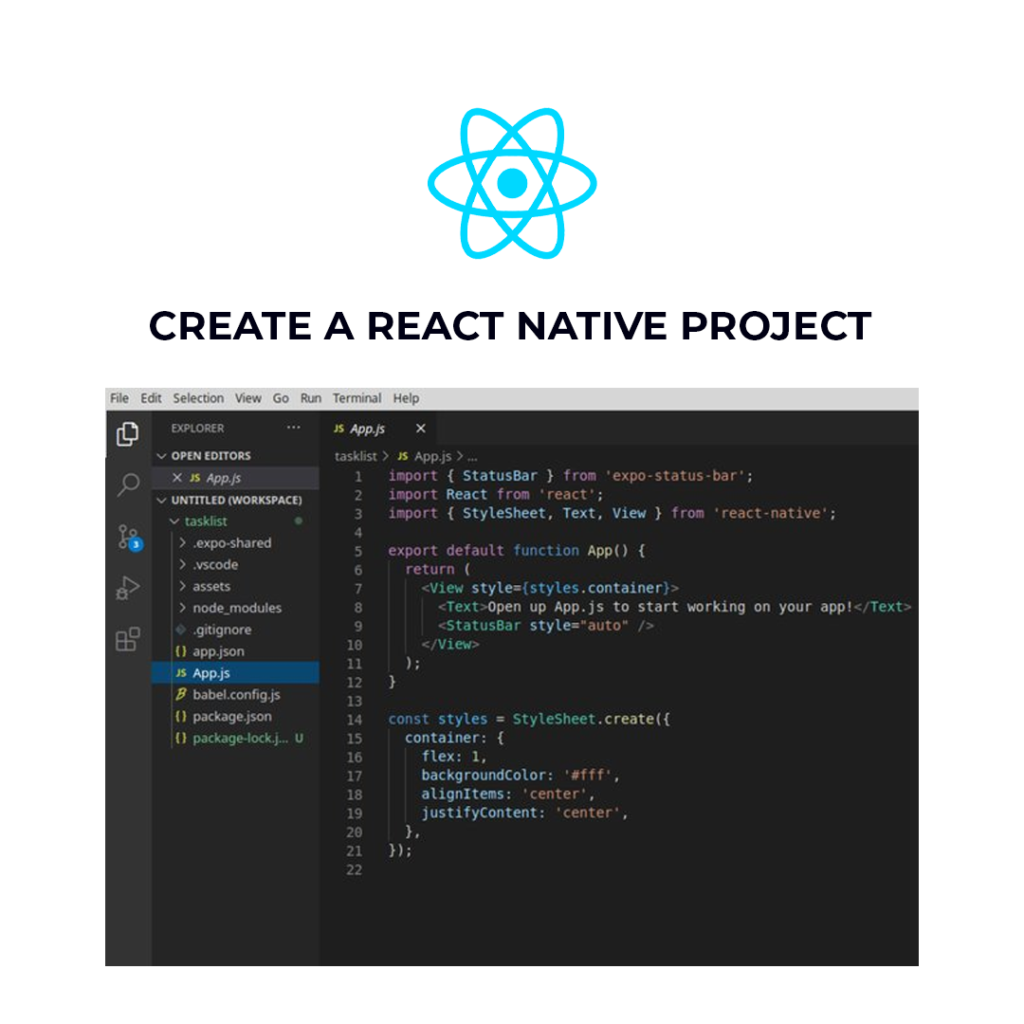
• Once you have installed Expo-CLI or React-Native-CLI you can easily create a new React Native project on your system. Now you have to open the command line interface then run a command that will create a new React Native Project.
• As you run a command you have to choose a template for your React Native project. You have to enter the type of template you want and then enter the name of your project or React Native application.
• Then you will have to wait until CLI generates all the necessary files and install all the packages from Node Project Manager that is also known as NPM.
• You will see that the command line will start with a Metro bundler that will bundle the JavaScript code from the application. If you are developing the application for Android then you can use Android Studio.
• If you are developing for iOS then you can use Xcode and if you don’t have any then you can install the Expo app on your mobile application. You will even have the option of adding multiple screens in your React Native application.
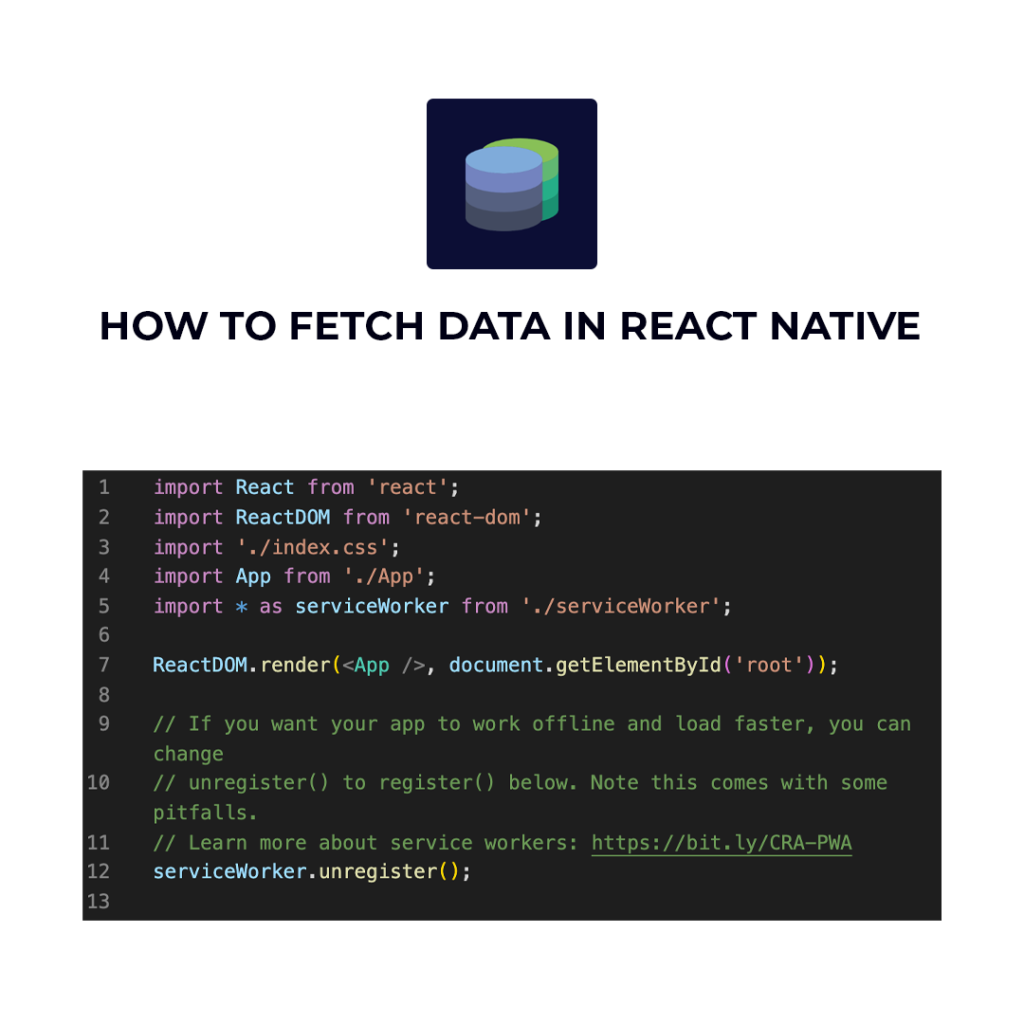
• Many people don’t know how to fetch the data from a REST API and if you are one of them, then no need to worry here I have mentioned how to fetch data in React Native.
• You will see that once data fetching is completed, you or the developers can render the home screen. React Native will provide many APIs and Fetch API is one of them that will allow the developers to absorb the REST APIs or fetch data from various web servers.
• React Native will provide the facility of Fetch API as per the networking requirements of the developers. You may feel that Fetch is familiar if you have used various networking APIs in the past.
• If you are trying to fetch data in React Native then you need to explore the Mozilla Developer Network (MDN) and read about the usage of Fetch.
• In React Native the developers can also fetch the content from the URL. The developers can easily pass the whole URL from which they want to Fetch the data.
• The developers can also add the arguments if you want to add extra headers or they can even add a POST request.
We are not only talking about React Native but Debugging of the code is important for every programming language. Debugging will help to keep the track of the code of every programming language. You will see that there are many ways to debug React Native applications.
React Native will provide the facility to check the logs of your application and it can be done with the help of Chrome DevTools. To enable the debugging in Chrome you have to open the debugging mode in your emulator.
React Native Debugger is a mind-blowing tool that is being used to debug the React Native code. This tool is a desktop application that will give you many advantages. It is one of the best debugging tools for React Native that is being used to debug the React Native code. This tool is available for the platforms like macOS, Linux, and Windows.

Nowadays Android and iOS applications are becoming more popular day by day and the prices of app development aren’t cheap so people are trying to find an alternative. As the result, people are starting to choose React Native for mobile app development because it is a cross-platform on which you can develop an application for both platforms.

• React Native Applications will perform very similar to the native applications built for Android and iOS. It will provide better speed because React Native is optimized for mobile devices.
• You will see that React Native applications will provide better performance as they will use the Graphics Processing Unit (GPU) instead of using the traditional method of Central Processing Unit (CPU).

• React Native is a cross-platform which means it is compatible with Android and iOS. So the development time will decrease as the developer only have to write code once and it will save a lot of time.
• The cost of React Native application will be more affordable than developing two separate applications for the platforms of Android and iOS.

• React Native will provide the feature of Hot Reloading and it is also known as Live Reloading. In this feature, it will compile and read the changes that are made by the coder.
• The main ability of this feature is that the React Native developers can see the results immediately as the code changes. So it will minimize the waiting time.

• The main framework of React Native isn’t that attractive and it doesn’t include many plugins and components. It can be hard to work on React Native without the help of third-party plugins.
• As the solution to that problem, React Native has included the support of third-party plugins so that the developers won’t feel like they are missing something.

• React Native is a programming language that will simply bind the data in a manner that will ensure the security of parent data and it won’t be get affected by the child component.
• This is one of the main reasons why React Native mobile applications are secured and dependable. The developer needs to make changes in the object and that’s why React Native mobile applications are stable and reliable.
I am pretty sure that now you have understood how to build mobile applications with React Native. Nowadays you will see that cross-platform applications are trending and you may want to start using cross-platforms to develop applications. React Native is a cross-platform that is trending now and it is a framework that can be used to build applications with appealing and beautiful UI.
If you are looking to develop an independent application for Android and iOS then you can select React Native without a doubt. If you have seen the benefits of React Native then you will understand that it will save time, cost, and effort for developers to create mobile applications. You would be surprised but there are some famous mobile applications like Facebook, Facebook Ads, Skype, Walmart, Airbnb, Instagram, etc. were developed with the usage of React Native. It is one of the main reasons why React Native is getting popular day by day.
You would be surprised but the React Native is a programming language that is constantly evolving. Nowadays it...
read more
Circumstances have certainly changed, and every firm must swiftly respond to the latest technology innovations. Notably, iPhone apps...
read more